Arms of God Controls & Keybinds Guide — PC, Controller Layout, Hidden Shortcuts & Pro Settings [2026]
Controls Overview
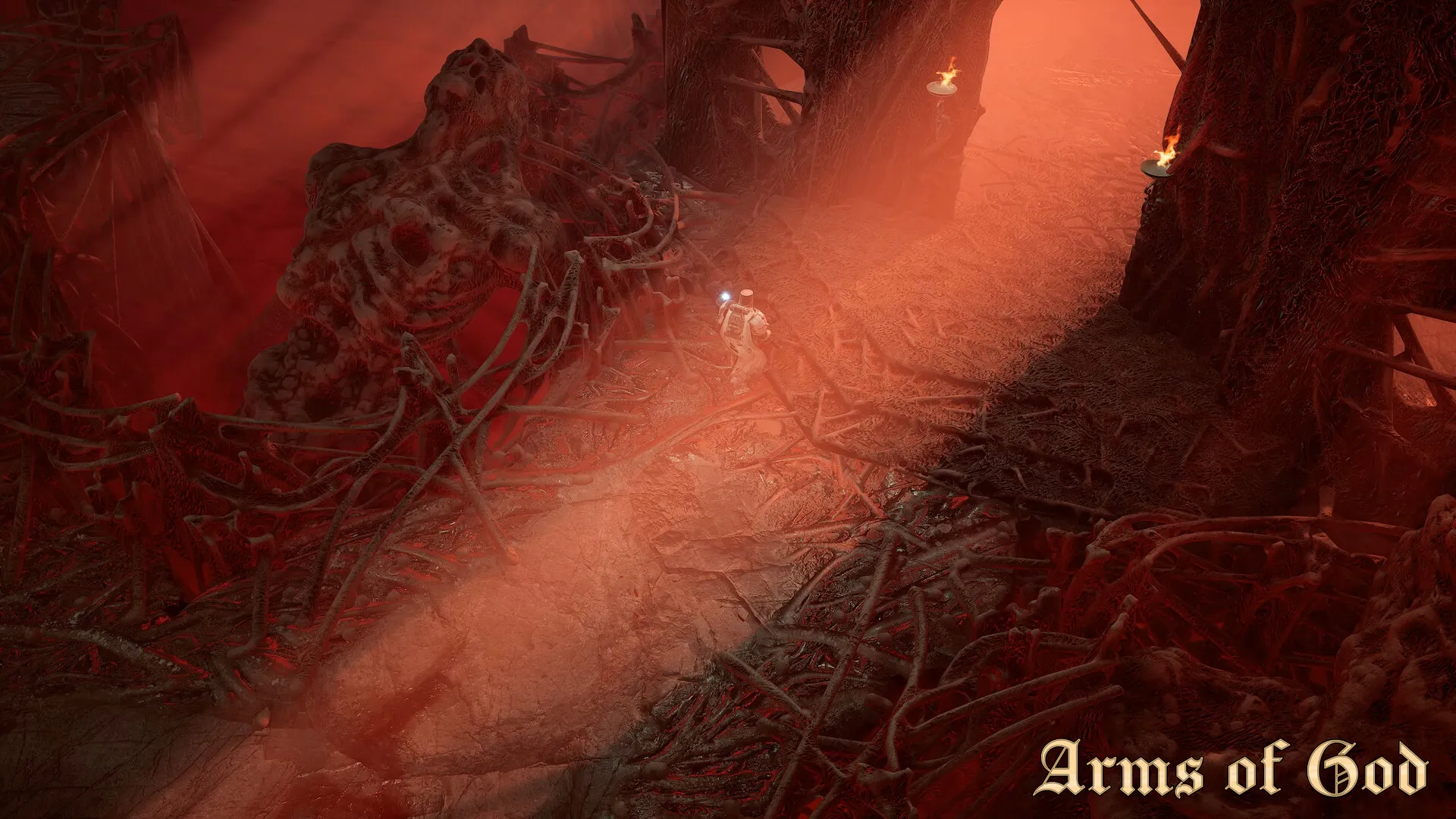
The default control scheme in Arms of God is functional but far from optimal. Several critical actions are bound to awkward keys or not bound at all by default. This guide covers every control — documented and hidden — plus the keybind changes that competitive players use to cut their reaction time by roughly 100-150ms.
Default Keyboard & Mouse Bindings
Movement & Camera
| Action | Default Key | Notes |
|--------|------------|-------|
| Move Forward | W | — |
| Move Backward | S | — |
| Strafe Left | A | — |
| Strafe Right | D | — |
| Sprint | Left Shift | Hold to sprint. Toggle option available in settings. |
| Jump | Space | Can be used to dodge ground-level shockwaves. |
| Crouch | Left Ctrl | Reduces hitbox size. Required to enter some hidden rooms. |
| Camera | Mouse | Sensitivity default is 5.0. Most players lower to 3.0-4.0. |
Combat
| Action | Default Key | Notes |
|--------|------------|-------|
| Primary Attack | Left Mouse Button | Basic attack chain. Hold for repeated attacks. |
| Secondary Attack | Right Mouse Button | Weapon-specific: charged shot, heavy swing, or alt-fire. |
| Dodge Roll | Space (double-tap) or Left Alt | See notes below — this is the most important rebind. |
| Block / Parry | Q | Frontal damage reduction. Perfect parry window is 0.25 seconds. |
| Ultimate Ability | R | Unleashes character-specific ultimate. 2-5 minute cooldown depending on blessing. |
| Interact | E | Open chests, talk to merchants, activate shrines, pull levers. |
Inventory & Quick Slots
| Action | Default Key | Notes |
|--------|------------|-------|
| Quick Slot 1 (Healing) | 1 | Should always be a Divine Vial. |
| Quick Slot 2 | 2 | Divine Barrier or secondary consumable. |
| Quick Slot 3 | 3 | Status cleanse or buff consumable. |
| Quick Slot 4 | 4 | Flexible — most players put a movement consumable here. |
| Weapon Swap Next | Mouse Wheel Up | Scrolls through weapon slots 1-5. |
| Weapon Swap Previous | Mouse Wheel Down | Reverse scroll. |
| Direct Weapon Slot 1-5 | Not bound by default | See recommended binds below — these are essential for high-level play. |
| Open Inventory | Tab | Full inventory and equipment screen. Does not pause the game. |
| Open Map | M | Zone map. Shows explored rooms, merchant/shrine locations. |
Critical Keybind Changes (What Pros Actually Use)
1. Bind Dodge to a Side Mouse Button (MB4 or MB5)
The default dodge on double-tap Space or Left Alt is bad for two reasons: double-tap adds input latency (the game waits to confirm it is not a single jump), and Left Alt requires moving your thumb off Space, which is awkward during fast sequences.
Fix: Bind Dodge to Mouse Button 4 (side thumb button). One press, instant dodge, no thumb gymnastics. Every competitive player does this.
2. Bind Direct Weapon Slots 1-5
The default weapon switching via scroll wheel is slow and imprecise — one tick too far and you pull the wrong weapon mid-boss-fight.
Recommended binds:
- Weapon Slot 1: Z
- Weapon Slot 2: X
- Weapon Slot 3: C
- Weapon Slot 4: V
- Weapon Slot 5: B
These are directly below WASD. After 2-3 hours of muscle memory, switching to a specific weapon takes under 100ms instead of the 400-600ms of scroll wheel hunting.
3. Bind Interact to F (Not E)
E is the default interact key, but it is also adjacent to W. Accidentally pressing E while moving forward can open the inventory or trigger unwanted shrine interactions.
Fix: Bind Interact to F. Keep E as a secondary bind for inventory or map.
4. Bind Sprint to Toggle, Not Hold
Holding Shift for hours causes hand fatigue and makes Shift-dependent actions (like slide-dodging) harder to execute.
Fix: Enable Sprint Toggle in Settings > Controls > Sprint Mode. Tap Shift once to sprint, tap again or stop moving to cancel.
5. Unbind Attack from Mouse Wheel
Some mice have loose scroll wheels that register accidental scrolls during intense combat. An accidental weapon swap mid-boss-fight is often fatal.
Fix: Unbind Weapon Swap Next/Previous from the scroll wheel entirely. Use only direct weapon slot keys (Z/X/C/V/B).
Full Controller Layout
Xbox Controller
| Action | Button |
|--------|--------|
| Move | Left Stick |
| Camera | Right Stick |
| Sprint | Left Stick Click (L3) |
| Crouch | B (hold) |
| Jump | A |
| Dodge Roll | A (double-tap) or Right Bumper (RB) |
| Primary Attack | Right Trigger (RT) |
| Secondary Attack | Left Trigger (LT) |
| Block / Parry | Left Bumper (LB) |
| Interact | X |
| Ultimate | Y (hold 0.5s) |
| Quick Slot 1 | D-Pad Up |
| Quick Slot 2 | D-Pad Right |
| Quick Slot 3 | D-Pad Down |
| Quick Slot 4 | D-Pad Left |
| Weapon Swap | D-Pad Left + D-Pad Right (cycle) |
| Open Inventory | View Button (Select) |
| Open Map | Menu Button (Start) |
PS5 Controller (DualSense)
| Action | Button |
|--------|--------|
| Move | Left Stick |
| Camera | Right Stick |
| Sprint | Left Stick Click (L3) |
| Crouch | Circle (hold) |
| Jump | Cross |
| Dodge Roll | Cross (double-tap) or R1 |
| Primary Attack | R2 |
| Secondary Attack | L2 |
| Block / Parry | L1 |
| Interact | Square |
| Ultimate | Triangle (hold 0.5s) |
| Quick Slot 1-4 | D-Pad Up/Right/Down/Left |
| Weapon Swap | D-Pad Left + Right (cycle) |
| Open Inventory | Touchpad (left side press) |
| Open Map | Touchpad (right side press) |
PS5 DualSense features: Adaptive triggers are supported for primary/secondary attacks. You can feel the charge level of ranged weapons through the R2 tension. Haptic feedback signals boss attack telegraphs — a specific rumble pattern plays 0.5 seconds before major boss attacks. Keep both enabled for a mechanical advantage.
Controller vs Keyboard & Mouse
| Playstyle | Best Input | Why |
|-----------|-----------|-----|
| Melee builds (Zealot, Berserker) | Controller | Analog movement gives finer spacing control. |
| Ranged builds (Arcanist, Gunslinger) | Keyboard & Mouse | Faster and more precise aiming for headshots and projectile prediction. |
| Speed farming | Keyboard & Mouse | Direct weapon slot keys (Z/X/C/V/B) are far faster than controller weapon cycling. |
| Casual / story mode | Controller | More comfortable for long sessions. |
Hidden Shortcuts the Tutorial Never Mentions
These are not listed in the in-game controls menu:
- Quick Restart Room: Hold Tab + R for 2 seconds. Restarts the current room without quitting to menu. Only works if you have not completed the room.
- Skip Merchant Dialogue: Press Space + E simultaneously. Instantly opens the buy menu instead of waiting through dialogue.
- Ping System: Press G (unbound by default — you need to set it). Pings a location or enemy for co-op partners.
- Photo Mode: Press P (unbound by default). Freezes the game and enables free camera. Screenshots save to `Documents/ArmsOfGod/Screenshots/`.
- Quick Save & Quit: Alt + F4 works, but the proper way is Esc → Quit to Menu. The game autosaves at the start of every room, so you never lose more than one room of progress.
- HUD Toggle: Press Home to toggle the entire HUD on/off. Useful for clean screenshots.
- Damage Numbers Toggle: Press End to toggle floating damage numbers. Turning them off in Act 3+ improves visibility of enemy telegraphs.
Recommended Keybind Profile (Import Ready)
Copy this setup for the optimal competitive layout:
| Action | Key |
|--------|-----|
| Dodge | Mouse Button 4 |
| Interact | F |
| Map | Tab |
| Inventory | E |
| Weapon Slot 1-5 | Z, X, C, V, B |
| Sprint | Shift (Toggle mode ON) |
| Ping | G |
| Quick Slot 1-4 | 1, 2, 3, 4 (default, fine as-is) |
| Ultimate | R (default) |
| Block / Parry | Q (default) |
Settings file location: `%LOCALAPPDATA%\ArmsOfGod\Saved\Config\WindowsNoEditor\Input.ini`
Sensitivity & Aim Recommendations
- Mouse DPI: 800 DPI is the standard. In-game sensitivity: 3.0-4.0 for ranged builds, 4.0-5.0 for melee builds.
- Controller Look Sensitivity: 6.0 horizontal, 5.0 vertical. Aim Assist: Default (Standard). Disabling aim assist makes ranged builds nearly unplayable on controller.
- Controller Dead Zone: Set to 5% (minimum). The default 15% creates a noticeable dead zone before stick input registers.